Remote Desktop.
WebRTC-native. Multi-monitor. Session recording. E2E. No third-party relay.
- →WebRTC-native — peer-to-peer, or through your self-hosted TURN.
- →Multi-monitor (up to 4), session recording, E2E DTLS-SRTP, clipboard & file transfer.
- →Signalling runs on your hosts. Media never touches a third-party cloud.
The actual product.
Screens from a running instance on demonstration data. Softened on purpose — customer records never appear on this site.
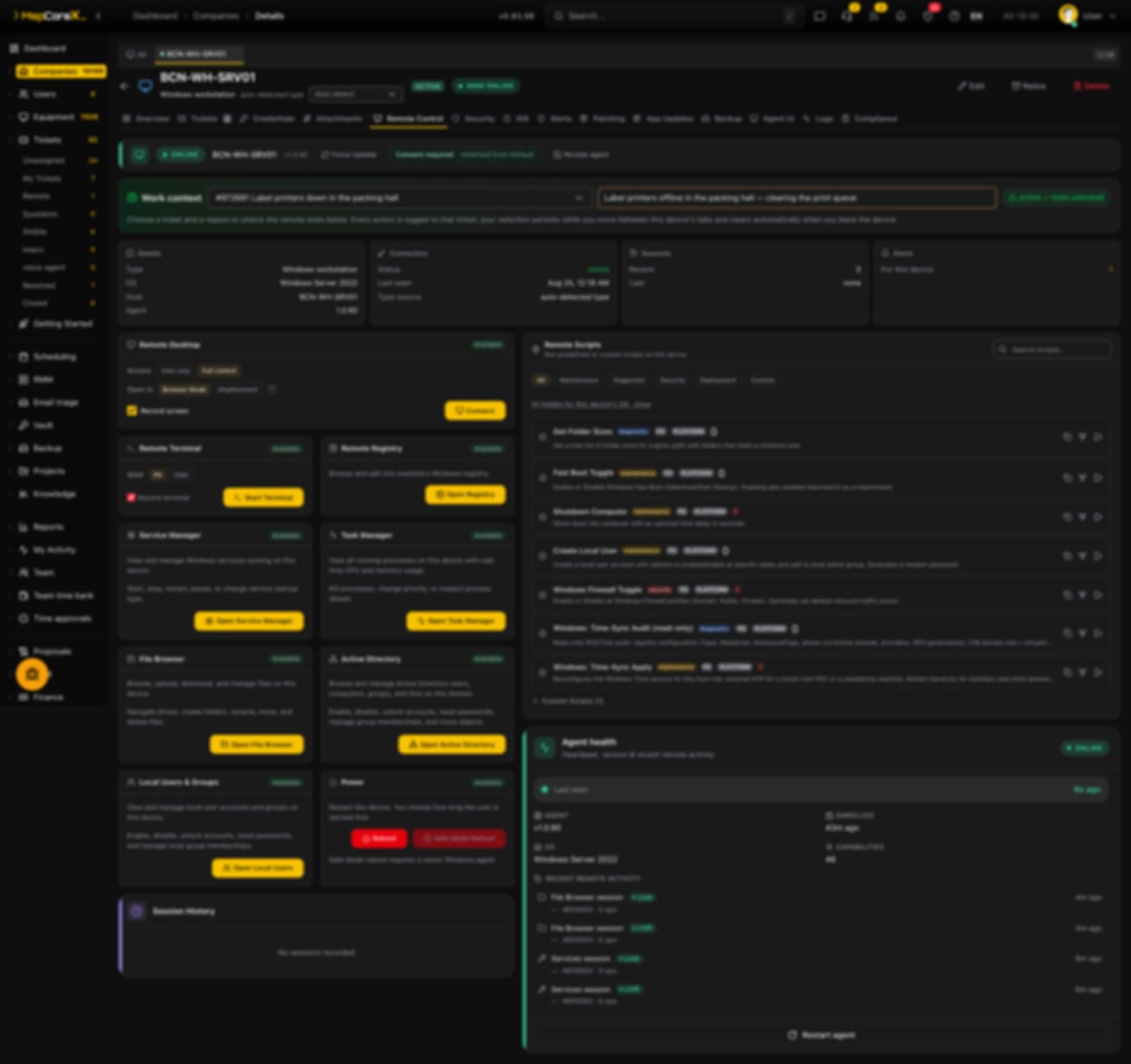
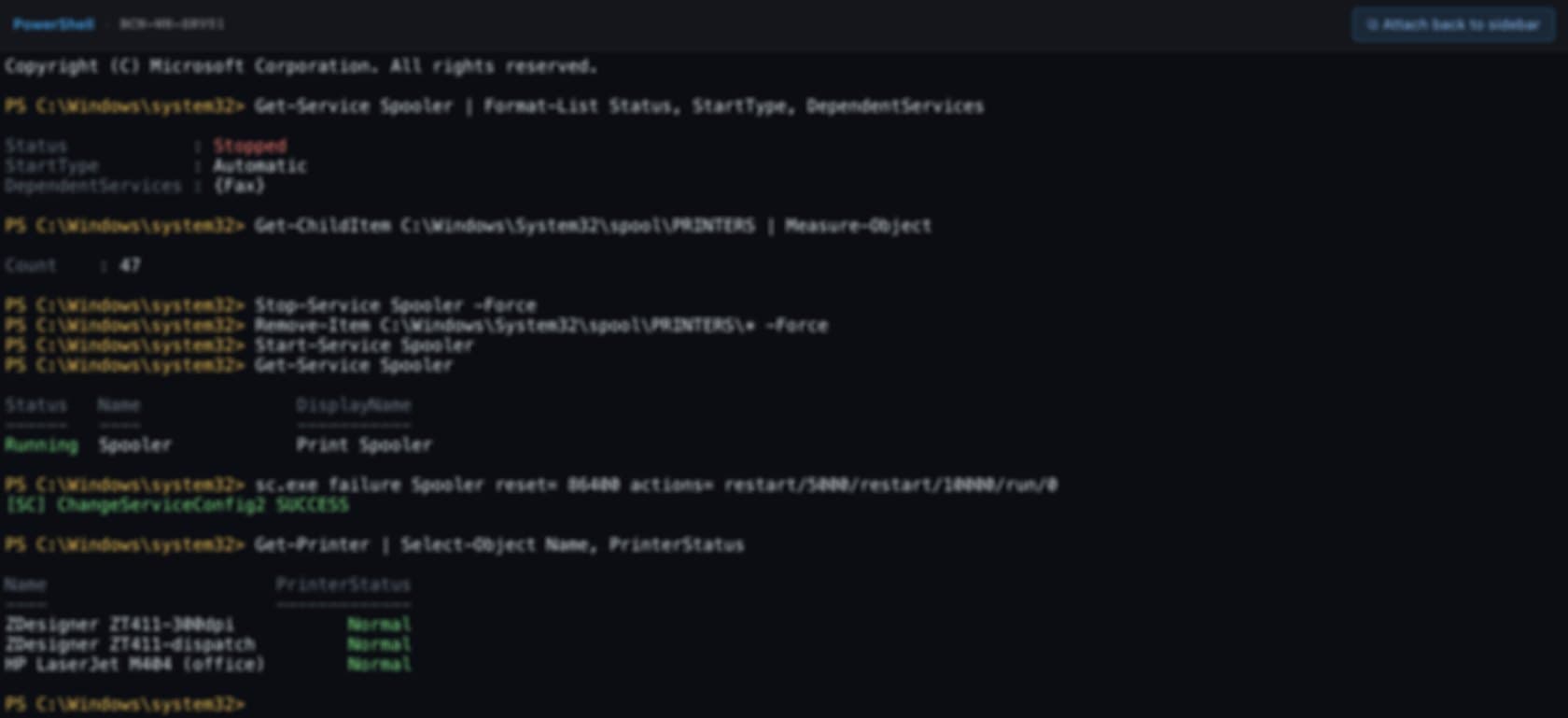
Sit in the session your way.
The picture and the input path are identical in all of them. Only the chrome around the screen changes, and the choice sticks to the operator, not the device.
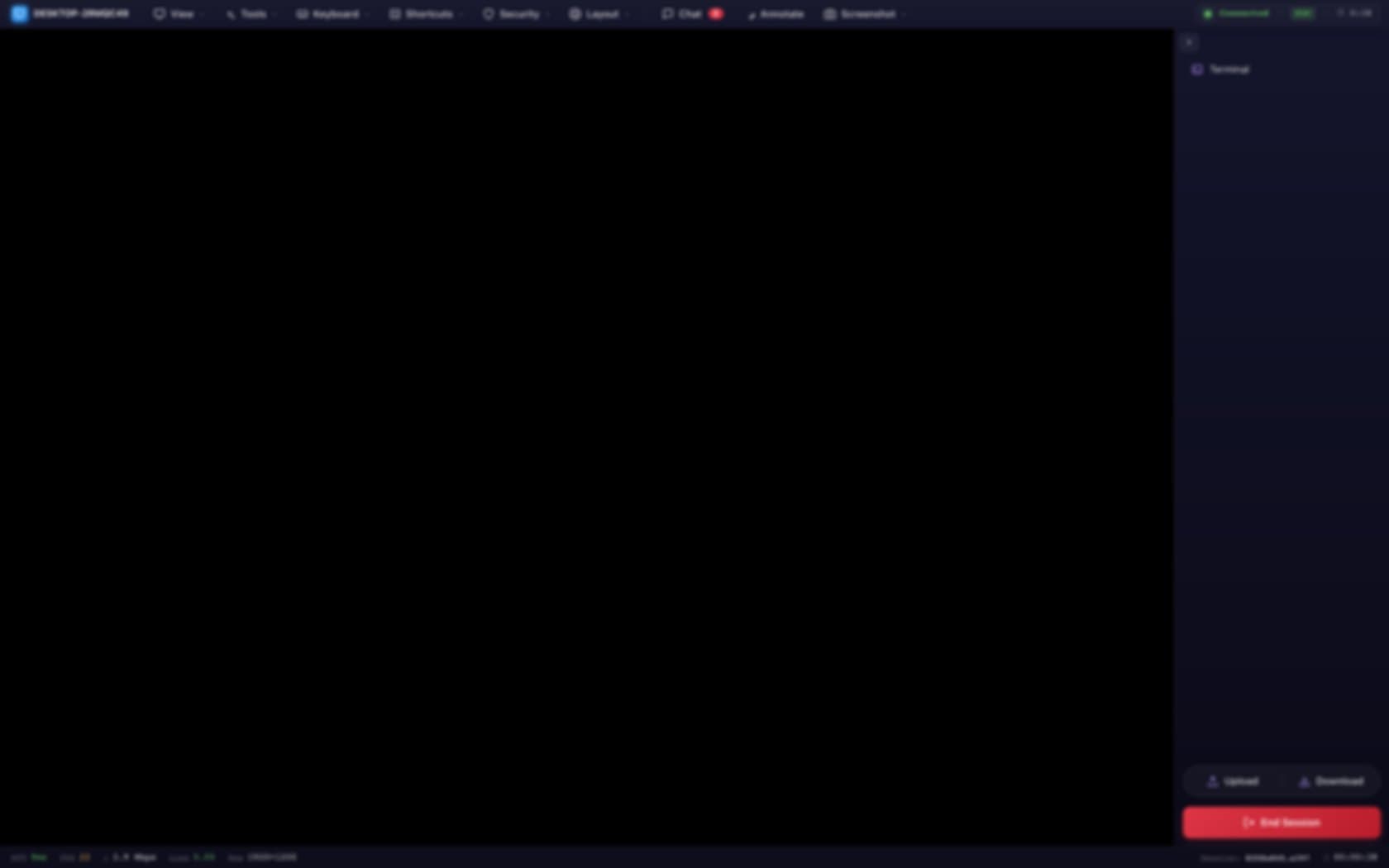
Classic
Toolbar on top, sidebar with terminal and file transfer on the right, and a status bar carrying RTT, FPS, bitrate and loss.
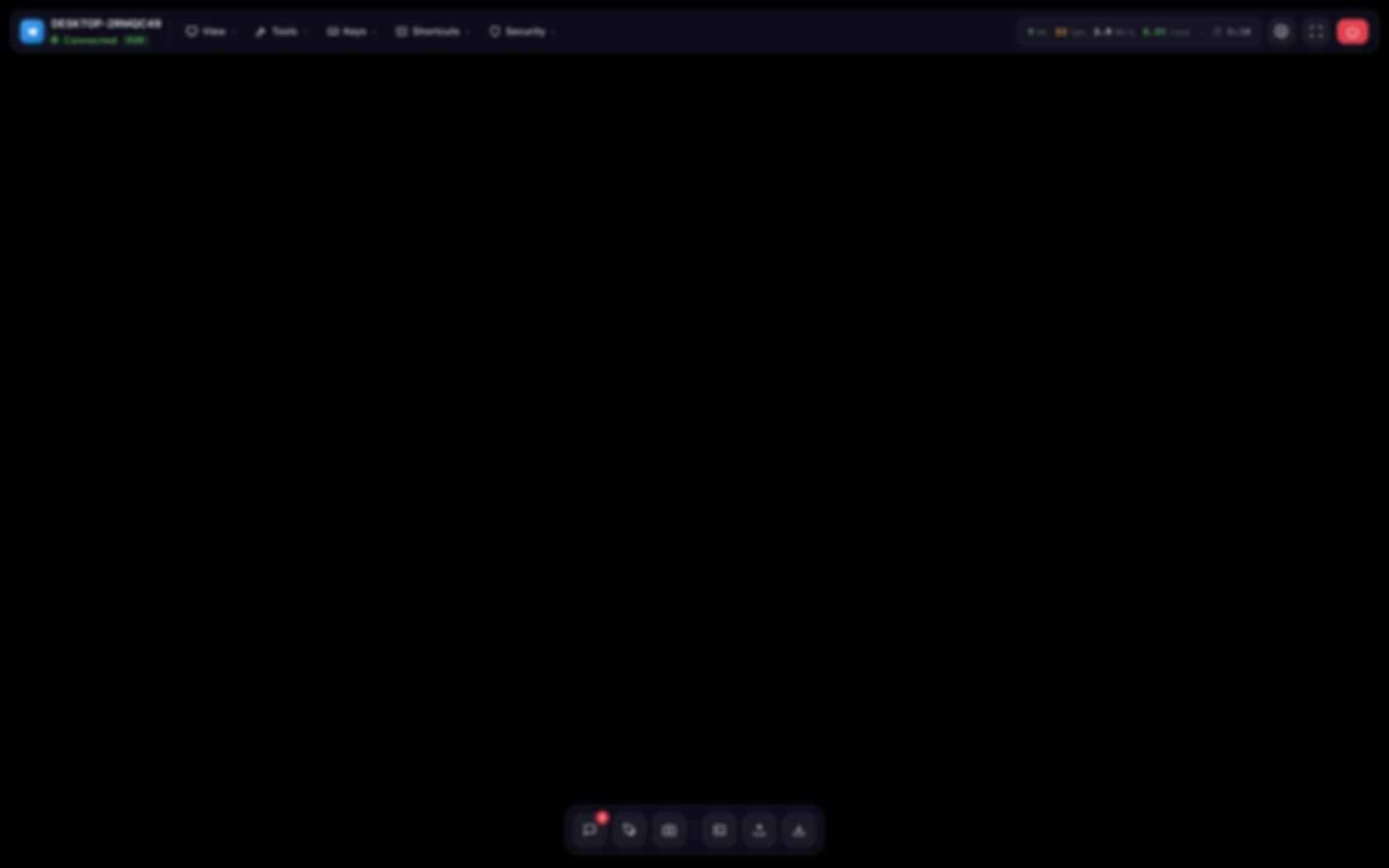
Aurora
Screen-first: a floating glass toolbar and a bottom command dock.

Mission Control
A persistent live panel — connection quality, quick actions, session facts.

Minimal HUD
Maximum screen. Controls float in only where the pointer goes.

Eclipse
Full-screen with one consolidated bar that auto-hides — or pins, if you prefer.
Shown over a blank screen — no customer desktop appears on this site.
Core capabilities.
Attended + unattended
Unattended access with policy gates (per-client, per-asset). Attended with live consent in the client portal.
Multi-monitor streams
Up to 4 independent monitor streams. Pick one or mosaic them.
Session recording
Opt-in per-client / per-tenant. Retention policy configurable. Replayable in-browser.
E2E encryption
DTLS-SRTP end-to-end. Per-session keys. Signalling server never sees media.
Consent workflow
Client sees who connected, when, with what permissions, and can revoke mid-session.
File transfer
Drag-drop during session. Every transfer audited with filename, size, hash.
Clipboard sync
Text + file copy between operator and endpoint. Disableable per-client.
Browser operator
No native client required. Chromium-based browsers + Safari. Desktop viewer optional.
Remote shell
Background PowerShell / bash / zsh. Session audited with full command history.
Operator handoff
Transfer a live session between technicians without reconnecting the endpoint.
Wake-on-LAN
Wake sleeping endpoints before a scheduled session starts.
Watermarking
Operator identity overlay on recorded and live sessions (compliance).
Session quality metrics
Latency, framerate, packet loss per-session. Visible to operator and client.
WebRTC with DTLS-SRTP. Signalling via `/api/signaling` WebSocket on your host. Media peer-to-peer or through self-hosted coturn TURN. Provider factory: `NATIVE` + `RUSTDESK` + `WEBRTC`. Pluggable, switchable per-tenant.
FAQ.
What if P2P fails?+
Fallback via your self-hosted coturn. No third-party relay in the path.
Can recordings be disabled?+
Yes, per-client or per-tenant. Enforced by policy, not a toggle.
What platforms?+
Endpoint: Windows, macOS, Linux. Operator: any Chromium/Safari browser, or desktop viewer.
What about unattended access compliance?+
Every unattended session still produces a consent entry in the client portal. Clients see the full history.